
Create tModLoader Modpack Files
[Meta] Please note that this page is missing images. They will be added at a later date.
Part One: Enable/Disable Mods
When creating a mod pack in tModLoader it will only add mods to the new pack that are currently enabled. Any mods currently disabled will not be included in newly created mod packs. Before proceeding to create a mod pack in Part 2, make sure that all of the desired mods are enabled. Any undesired mods should be disabled. All of this is done through the Manage Mods menu.
Step 1: From the main menu, click Workshop.
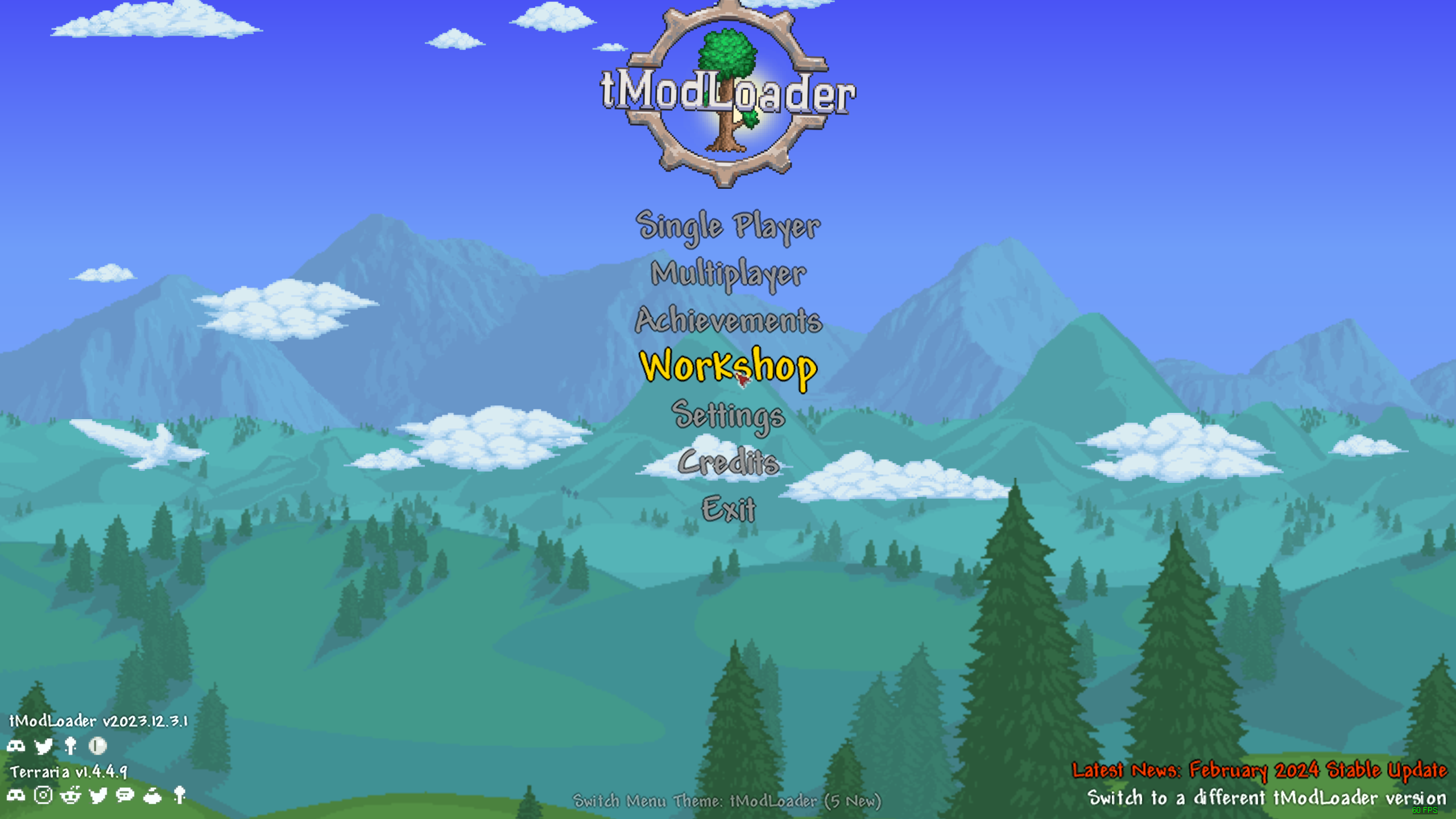
Step 2: Click Manage Mods.
Step 3: Click Enabled or Disabled on each mod to toggle their status.
Double check and scroll through the entire mod list, making sure mods that mods showing Enabled are the ones desired in your pack while mods showing Disabled are the ones to be excluded.
Part Two: Create the Modpack Files
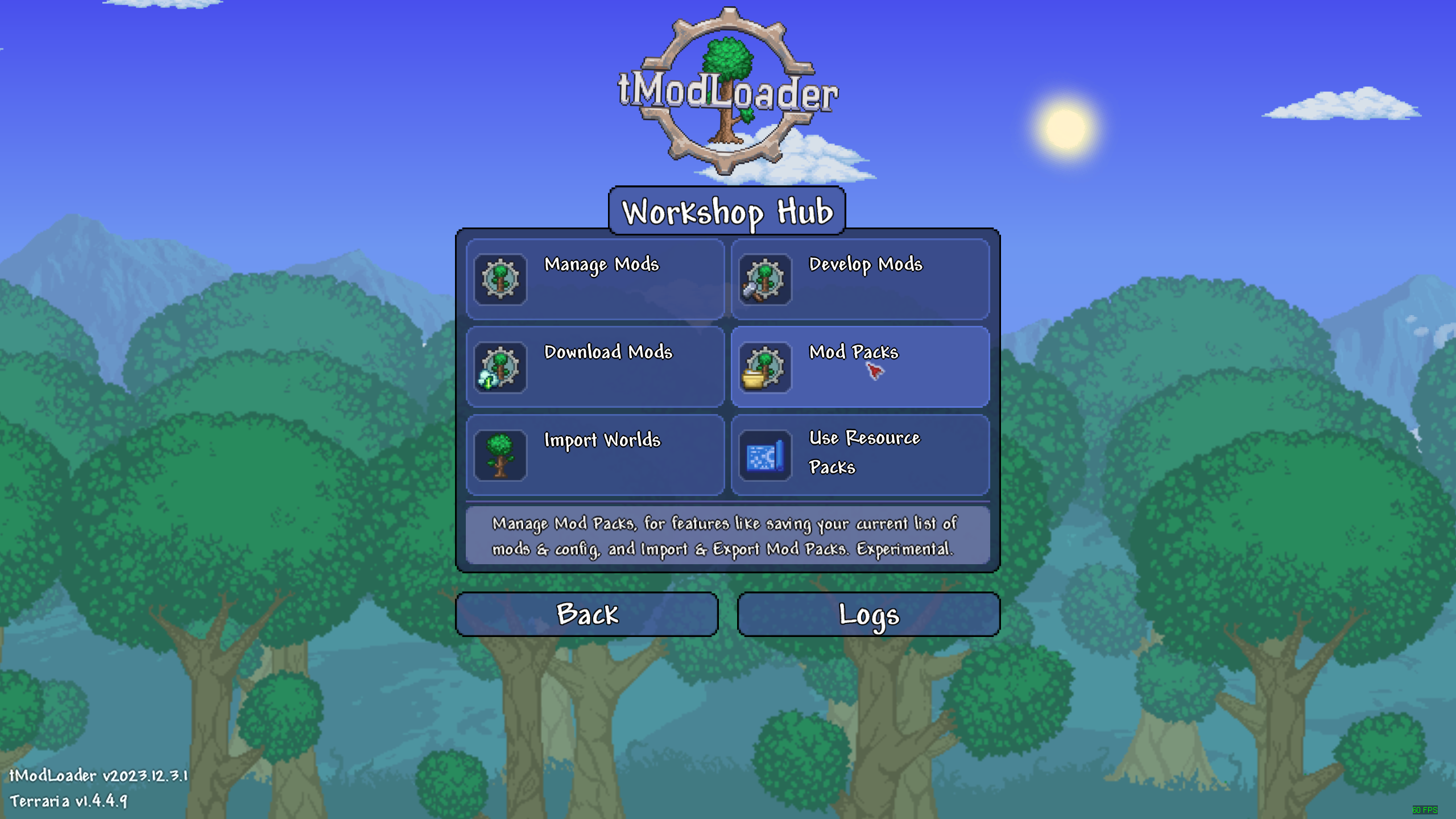
Step 1: Click the Workshop option from the main menu.
Step 2: Click Mod Packs.
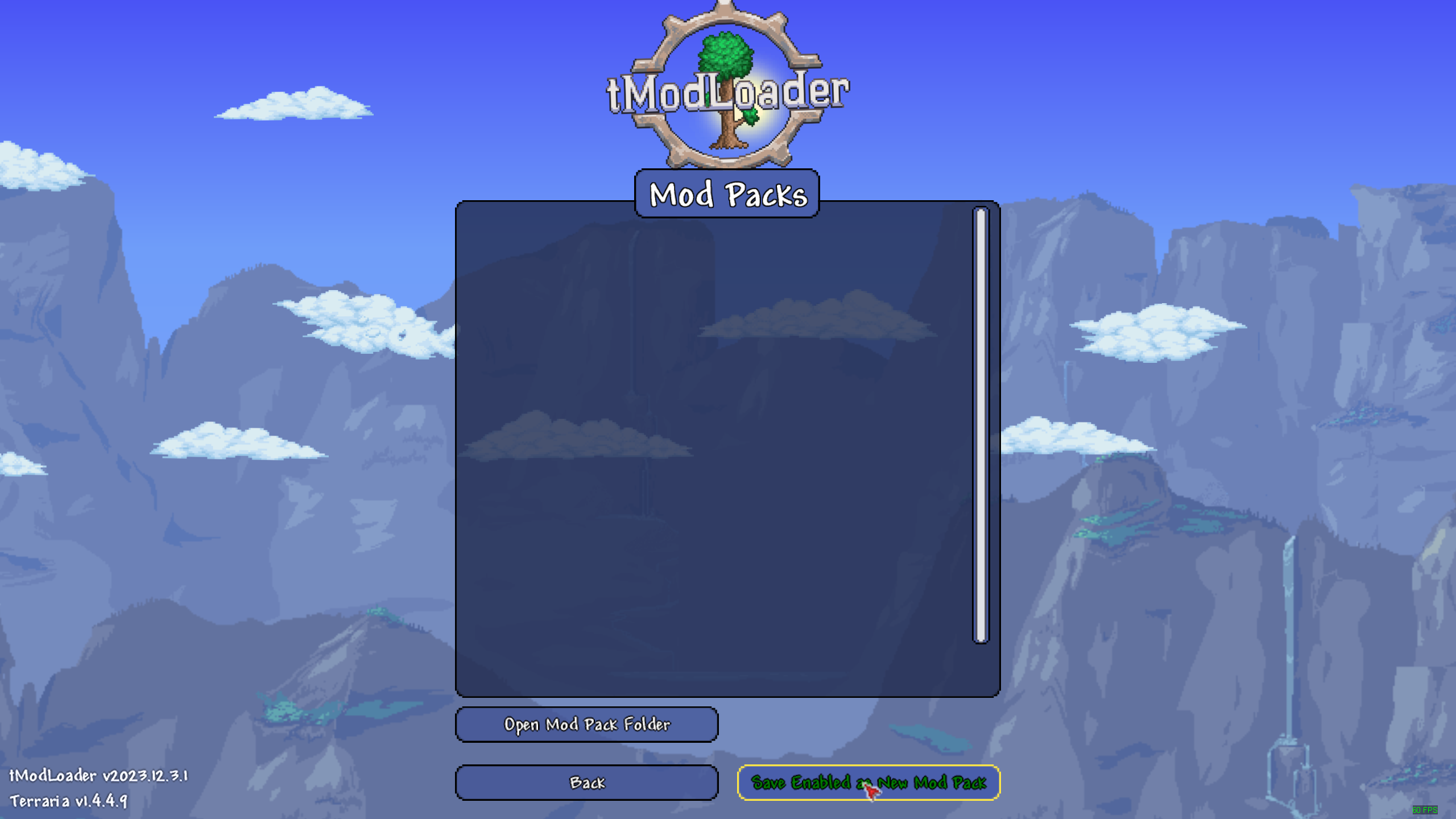
Step 3: Click Save Enabled as New Mod Pack .
Step 4: Enter a modpack name, then click Submit.
The name chosen is not important. The name is used for the mod pack folder that tModLoader will generate, and it is shown in the Mod Packs menu as seen below, under Finished. If the mod pack folder is to be shared directly with others, a descriptive name should be used along with a version number to keep track of changes.
Finished!
That's it! A mod pack folder that contains all of the necessary mod pack files has been created.
Find enabled.json and install.txt
Step 1: From the Mod Packs menu, click the Open Mod Pack Folder button.
This will open a File Explorer window, shown below, showing the ModPacks folder. Within this folder will be other folders, each for different mod packs. There should be one with the name entered in Part 2, Step 4.
Step 2: Open the desired mod pack's folder, then open its Mods folder.
After opening the mod pack's folder and then opening the Mods folder contained within, there should be a list of .tmod files. Among these files, there will be an enabled.json and install.txt. If it is difficult to locate these files, sorting the files by type should put the two files either at the top or bottom of the list.
These two files are used in tModLoader servers to automatically download and update mods.
No Comments